Supported hidden markers
None foundPaste text to scan it locally.
 Watermarks Remover
Watermark cleanup for text and images · Free hidden-character cleanup
Watermarks Remover cleans invisible text markers from AI chat output and supported hidden watermarks from images — zero-width and Unicode markers, EXIF, C2PA and AI metadata. Free and browser-local.
Free text and metadata cleanup · No signup required · JPG, PNG and WebP · Pay only for GPU image processing
Strictly Prohibits Adult/NSFW ContentWatermarks Remover text cleaner · Try it now
Claude watermark guideFind supported zero-width characters, Unicode tags, abnormal spaces, bidirectional controls and invisible text markers.
Uses a paid provider to rephrase copied or AI text with clearly different wording. Sign in to use credits; the free cleaner above needs no account.
Add text in the editor above before rewriting. Check “I wrote this text or have permission to rewrite it” to continue.
AI rewrite results and billing receipts are saved to your account so interrupted requests can be recovered. The free cleaner above remains browser-local.
Rewriting changes your wording and is best-effort: it is not a detector, does not guarantee removal of any token-level watermark, and must not be used to pass authorship, fraud, or platform checks.
Image tool
We’ll check for metadata, Content Credentials and supported hidden markers before you choose how to clean it.
JPG, PNG and WebP · up to 20 files · 25MB per file
JPG, PNG and WebP · Only upload files you own or are authorized to edit
Four watermark layers
Watermarks Remover separates invisible text markers, visible overlays, file metadata and invisible pixel signals so you can choose the correct workflow without treating one layer as proof of another.
Zero-width characters, Unicode tags, bidi controls and unusual spaces that can ride along in AI chat or pasted text.
Text, logos and overlays that can be seen directly in the image.
EXIF, XMP, C2PA, prompts and generator information stored inside the file.
Signals embedded in image pixels that may require AI-assisted regeneration.
AI assistants are adding invisible text watermarks that mark generated writing. Watermarks Remover deletes the supported hidden characters that appear in copied output; the paid AI Rewrite rephrases the wording itself. No tool can detect or prove the removal of a statistical token-distribution watermark.
Read the Claude watermark guideHow it works
Drop, paste or select up to 20 JPG, PNG or WebP files. Each file can be up to 25MB.
The browser inventories supported privacy metadata, AI fields and Content Credential containers without interpreting pixels as proof.
Run the default rights-preserving cleanup or explicitly confirm a full metadata reset, then inspect the before-and-after report.
Quick Clean vs Deep Clean
Watermarks Remover deletes supported EXIF, GPS, C2PA and AI generation metadata without using GPU processing.
Clean for freeYour file stays on your device.Regenerate an image with visual guidance to reduce supported pixel-level watermark signals while preserving the composition.
Try Deep CleanBest-effort processing. Results vary by image and detection method.Supported data
Real local fixture
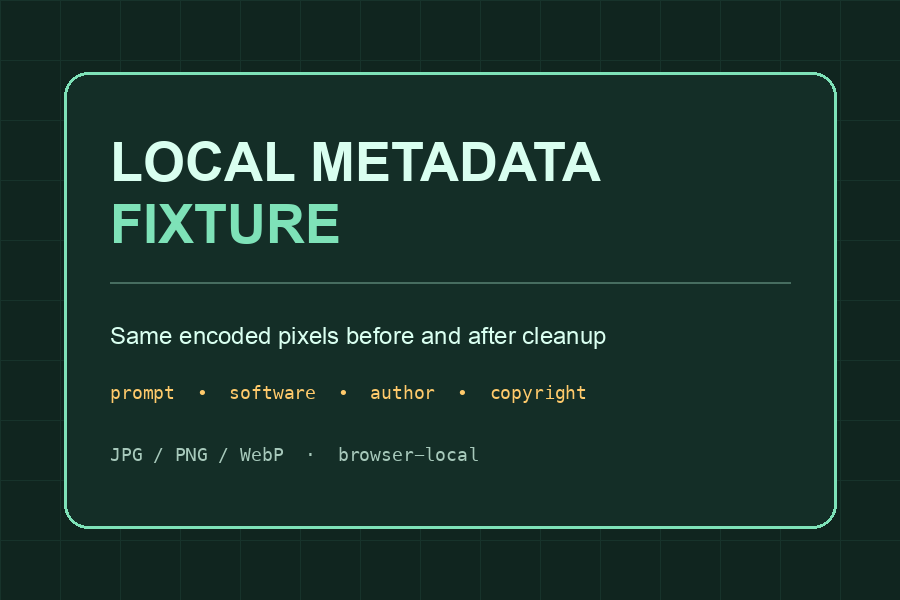
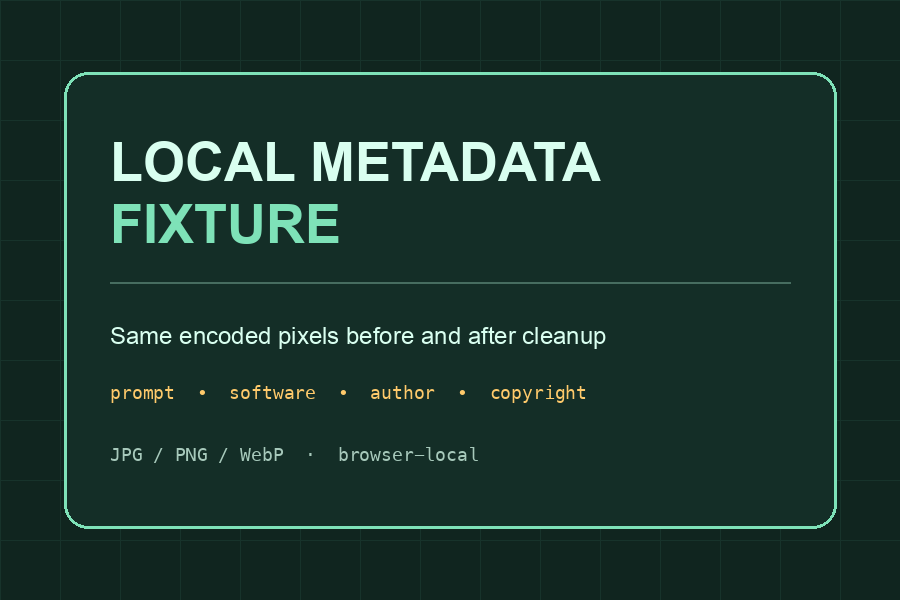
The pair is a repository-owned test fixture processed by the same lossless container cleaner used by Watermarks Remover above. It is intentionally visually identical because Quick Clean does not redraw the image.
Privacy and file handling
Watermarks Remover reads and rewrites supported metadata blocks on your device. No image upload, account or server task is used for scan, Quick Clean or Text Clean. Analytics never receives file content, original filenames, prompt text, GPS coordinates, user image URLs or a C2PA manifest.
Downloaded Quick Clean results use temporary browser object URLs. Deep Clean is different: it requires sign-in and uploads one authorized image for server-side AI processing. The source becomes unavailable after 24 hours and is removed by the cleanup process; generated results remain in the account until deleted.
Pricing preview
Watermarks Remover credit packs are one-time purchases with non-expiring credits. There is no subscription or automatic renewal. A failed technical task returns its credits automatically.
50 credits
About 3 Standard Deep Cleans at up to 4MP, or 50 AI text rewrites.120 credits
About 8 Standard Deep Cleans at up to 4MP, or 120 AI text rewrites.300 credits
About 20 Standard Deep Cleans at up to 4MP, or 300 AI text rewrites.900 credits
About 60 Standard Deep Cleans at up to 4MP, or 900 AI text rewrites.FAQ
Yes. Text Clean now includes a paid AI Rewrite: it uses 1 credit to rephrase your text through a separate provider with clearly different wording and structure. It is the practical way to change the wording of a passage; it is a best-effort transformation and is not a detector or a guarantee that any token-level watermark is gone.
Yes. Text Clean removes supported invisible markers such as zero-width characters, Unicode tags, bidi controls and unusual spaces that can ride along in AI chat or pasted output. Anthropic’s announced Claude watermark is a statistical pattern across the token distribution, not an inserted character, so character-level cleanup cannot detect or prove its removal.
Text Clean removes supported hidden text markers locally, and the image tools remove supported EXIF, GPS, XMP, IPTC, PNG text, AI generation fields and embedded C2PA containers. Rights fields are preserved by default, and the report lists any mixed block kept to protect them.
No. File metadata and Content Credentials are separate from signals embedded in pixels. This tool makes no claim about a pixel-level watermark from metadata alone.
No. The currently available scan and Quick Clean run in your browser. The site does not upload the file for these free operations.
The default mode preserves orientation, ICC colour profiles, transparency, animation data and recognized author, copyright, licence, attribution and rights-holder fields.
Yes, outside the EEA. Sign in for a free 512×512 center-crop preview (up to 3 attempts per account per UTC day, one per file, subject to daily availability), then review a server-verified megapixel quote before a paid full-image task. Results vary and no detector outcome is guaranteed.
Only upload content you own or have permission to edit. Do not remove rights information from third-party work or use the service for identity documents, evidence, fraud or safety-control evasion.
Related tools